INDUSTRIES

Automotive

Aviation

Finance

Gaming

MedTech

IoT

Digital Products

USE CASES

For Enterprise

For Individuals

For Teams

For education

KEY FEATURES

Hardware & System Integration

Beta

ProtoPie MCP

Multi-Device Prototyping

Interaction Logic

Developer Handoff

ProtoPie AI

New

User Testing

PLUGINS

Figma

Sketch

Adobe XD

INSIGHTS & INSPIRATION

Blog

eBooks

Clients Success Stories

Events & Webinars

ProtoPie Gallery

PRODUCT LEARNING & SUPPORT

ProtoPie School

Download ProtoPie

Product Documentation

Community

INDUSTRIES

Automotive

Aviation

Finance

Gaming

MedTech

IoT

Digital Products

USE CASES

For Enterprise

For Individuals

For Teams

For education

KEY FEATURES

Hardware & System Integration

Beta

ProtoPie MCP

Multi-Device Prototyping

Interaction Logic

Developer Handoff

ProtoPie AI

New

User Testing

PLUGINS

Figma

Sketch

Adobe XD

INSIGHTS & INSPIRATION

Blog

eBooks

Clients Success Stories

Events & Webinars

ProtoPie Gallery

PRODUCT LEARNING & SUPPORT

ProtoPie School

Download ProtoPie

Product Documentation

Community

Menu

Container

Use containers to group two or more layers and apply actions to the whole group. Containers also enable scrolling and paging interactions.

Relative Coordinates

By default, a layer's x and y coordinates are calculated from its upper left corner relative to the scene. However, the coordinates of a layer inside a container are always calculated based on its upper left corner relative to the parent container.
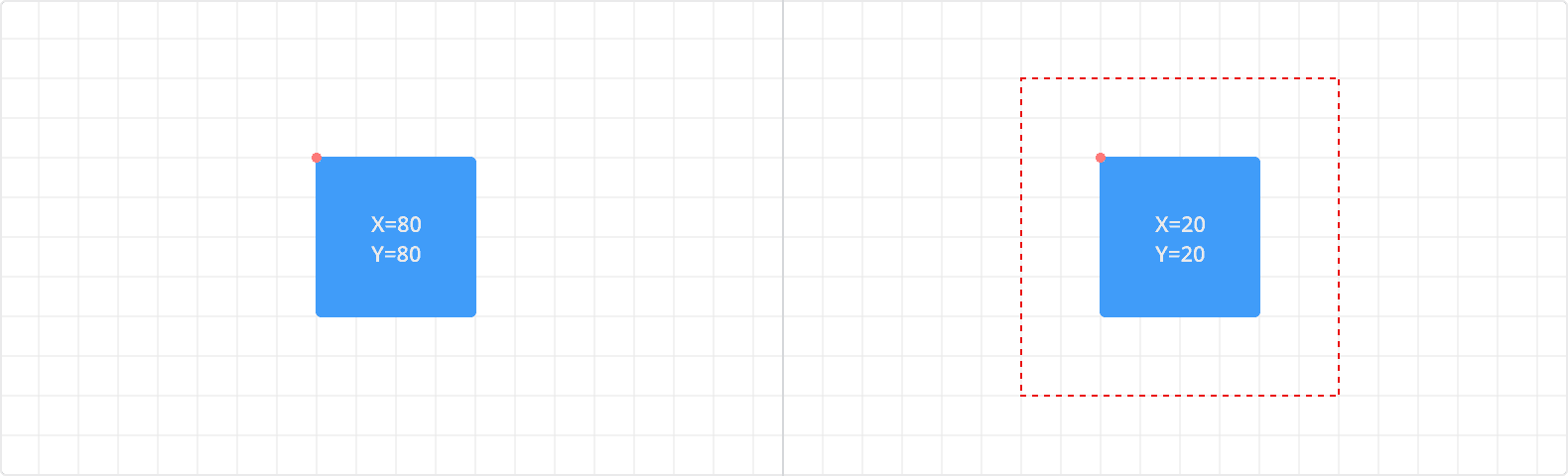

{'_type': 'localeString', 'en': 'relative coordinates'}

Clip Sublayers

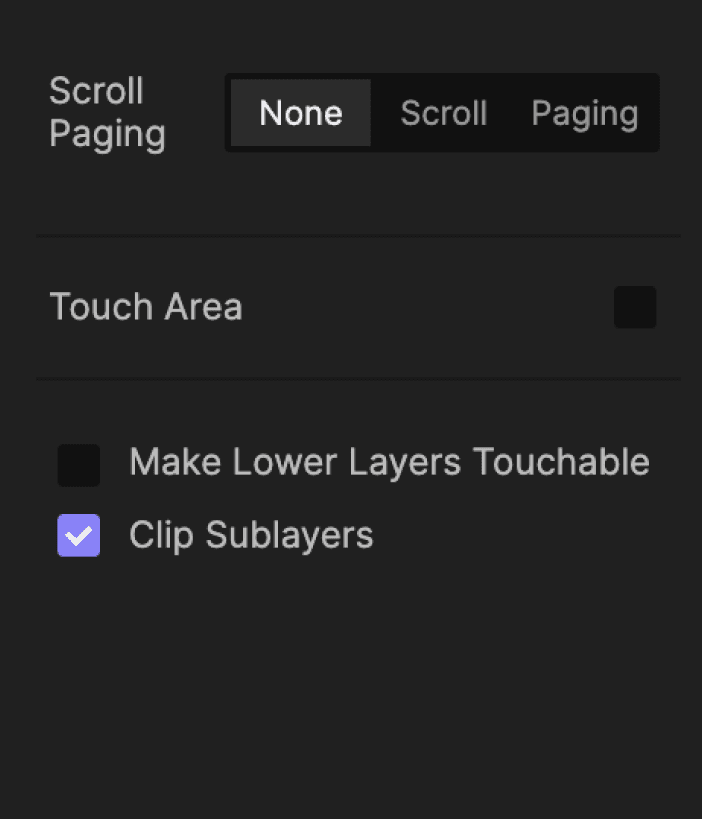
The Clip Sublayers option in the property panel allows you to hide the content outside of the top layer's bounding box.
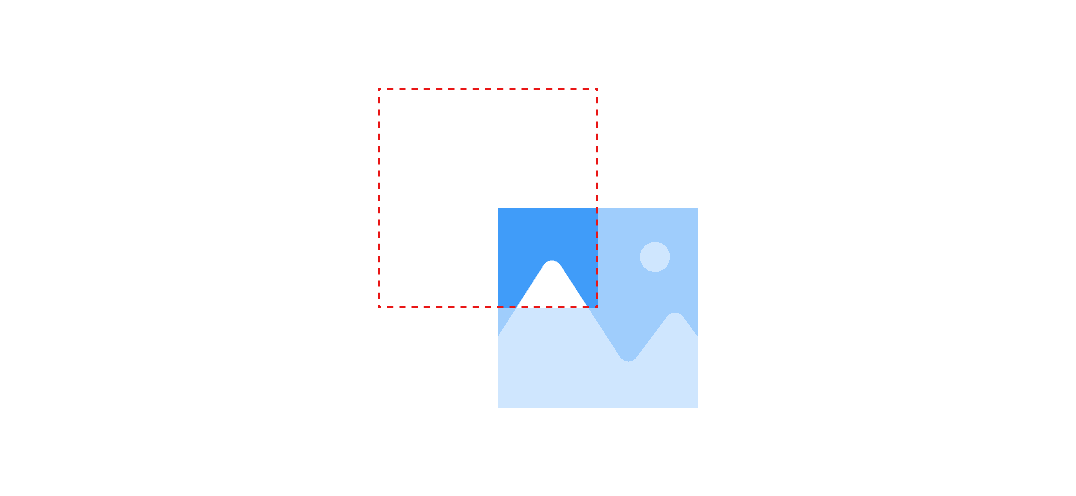
{'_type': 'localeString', 'en': 'img cliplayer'}


{'_type': 'localeString', 'en': 'img cliplayer'}