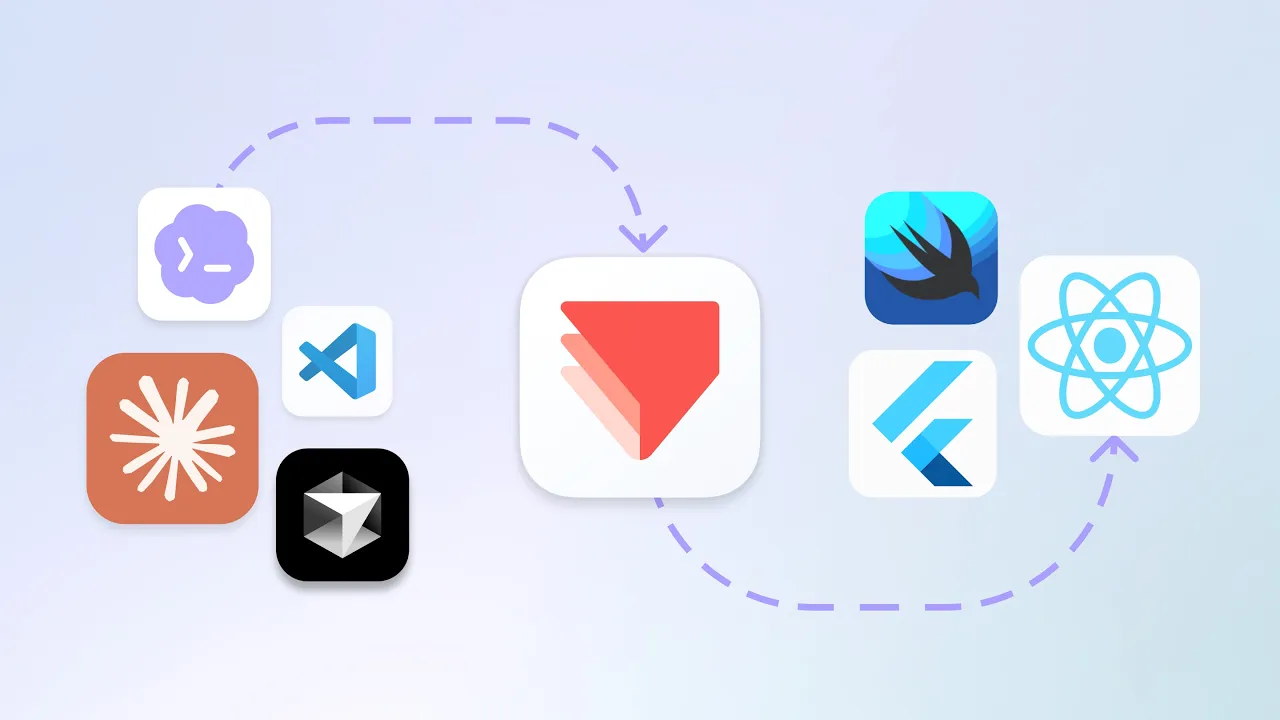
ProtoPie MCP
ProtoPie MCP は現在ベータ版です。ツール名やパッケージ名は変更される場合があります。機能によって利用可能性が異なります。パブリックベータ期間中、一部の機能は無料で提供されますが、その他の高度な機能には該当するプランや権限が必要となります。
ProtoPie MCP とは?
ProtoPie MCP は、AI アシスタントを外部ツールやデータソースに接続するためのオープン標準である Model Context Protocol を介して、お客様の ProtoPie での作業を AI エージェントに接続します。
ProtoPie MCP サーバーには、異なる2つの役割を持つ2種類のサーバーがあります。
サーバー | 機能 | 環境 |
|---|---|---|
Studio MCP | ProtoPie Studio を AI エージェントに接続し、現在開いているプロトタイプを読み取り・操作できるようにします。チャットプロンプトから直接、インタラクションの分析、トリガーやレスポンスの追加、現在の画面のキャプチャなどを行えます。 | ProtoPie Studio の一部としてローカル環境で実行されます。AIは接続されたMCPクライアント内で動作します。 |
Code MCP | 完成したプロトタイプをAIコーディングエージェントに取り込み、コードとして再構築できるようにします。シーン、レイヤー、コンポーネント、変数、そしてそれらを動かすトリガー・レスポンスのインタラクションが含まれます。 |
|
2つのサーバーはインストール方法や役割が異なりますが、同一のProtoPieアカウントを共有します。このページでは両方について説明しています。まずは以下の Studio MCP からご覧ください。Code MCP については専用セクションで詳しく説明しています。