INSIGHTS & INSPIRATION
PRODUCT LEARNING & SUPPORT
INSIGHTS & INSPIRATION
PRODUCT LEARNING & SUPPORT
Triggers & Responses
Auto Layout
Interaction Libraries
Connecting Devices
Menu
Triggers & Responses
Auto Layout
Interaction Libraries
Connecting Devices
System Status Bar
This option allows you to display the native system status bar when previewing prototypes on mobile devices. It has to be activated in the scene’s property panel. The system status bar displays according to the chosen device. It can also be used with a custom device size.
You can change its color for Contents and Background.
You can read the height of the System Status Bar through a predefined variable called $systemStatusBarHeight in the Formula field.
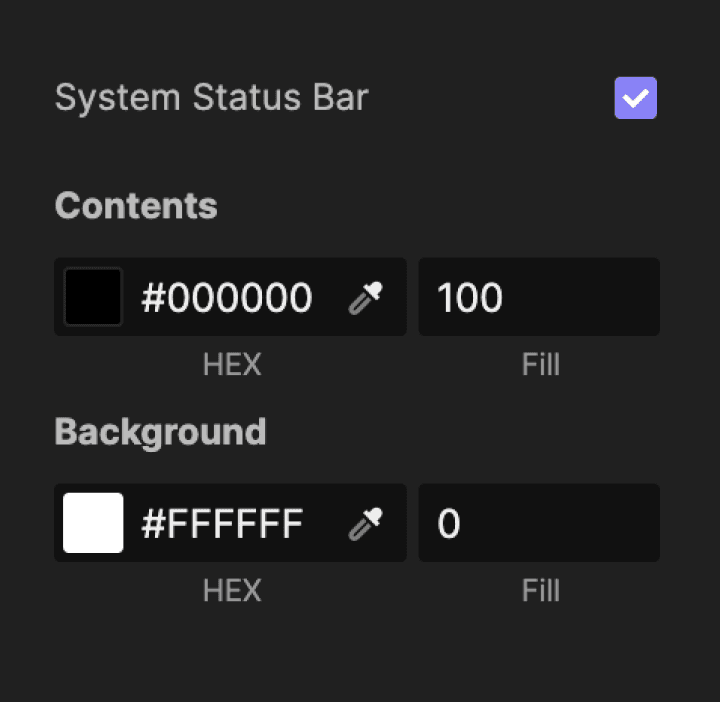
You can change its color for Contents and Background.
You can read the height of the System Status Bar through a predefined variable called $systemStatusBarHeight in the Formula field.