INDUSTRIES

Automotive

Aviation

Finance

Gaming

MedTech

IoT

Digital Products

USE CASES

For Enterprise

For Individuals

For Teams

For education

KEY FEATURES

Hardware & System Integration

Beta

ProtoPie MCP

Multi-Device Prototyping

Interaction Logic

Developer Handoff

ProtoPie AI

New

User Testing

PLUGINS

Figma

Sketch

Adobe XD

INSIGHTS & INSPIRATION

Blog

eBooks

Clients Success Stories

Events & Webinars

ProtoPie Gallery

PRODUCT LEARNING & SUPPORT

ProtoPie School

Download ProtoPie

Product Documentation

Community

INDUSTRIES

Automotive

Aviation

Finance

Gaming

MedTech

IoT

Digital Products

USE CASES

For Enterprise

For Individuals

For Teams

For education

KEY FEATURES

Hardware & System Integration

Beta

ProtoPie MCP

Multi-Device Prototyping

Interaction Logic

Developer Handoff

ProtoPie AI

New

User Testing

PLUGINS

Figma

Sketch

Adobe XD

INSIGHTS & INSPIRATION

Blog

eBooks

Clients Success Stories

Events & Webinars

ProtoPie Gallery

PRODUCT LEARNING & SUPPORT

ProtoPie School

Download ProtoPie

Product Documentation

Community

Menu

Creating Interaction Recordings

{'_type': 'localeString', 'en': 'Interaction Recordings', 'ja': 'Interaction Recipes', 'ko': 'Interaction Recipes', 'zh': 'Interaction Recipes'}

An interaction recording captures the intended scenario of interactions within a prototype, visually demonstrating their planned behavior. It includes valuable information that engineers require to implement the interactions accurately in production, including durations, delays, easing, and layer properties, conveniently accessible in a single overview.

Engineers can easily access the specifications of each interaction, understand its composition, and interpret its intended purpose. Learn more about how ProtoPie enables seamless collaboration between designers and engineers.

With the Pro and Enterprise plans, editors have the freedom to create an unlimited number of interaction recordings.

How to Create an Interaction Recording

To easily access the Handoff option within ProtoPie Studio, make sure you've enabled the Handoff shortcut in the Preferences menu.

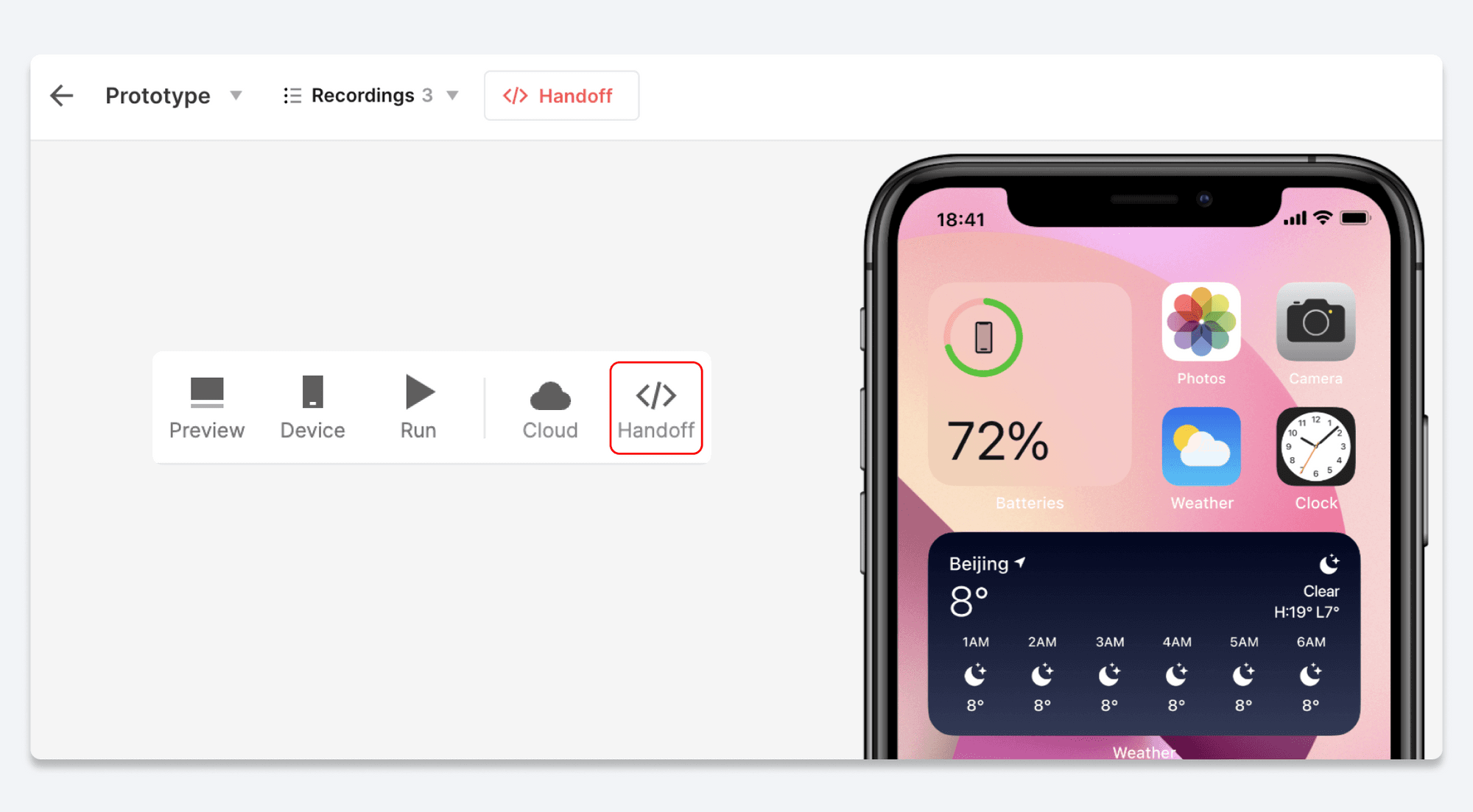
  1. Click the Handoff button in the toolbar of ProtoPie Studio.

  2. Select the Record option.

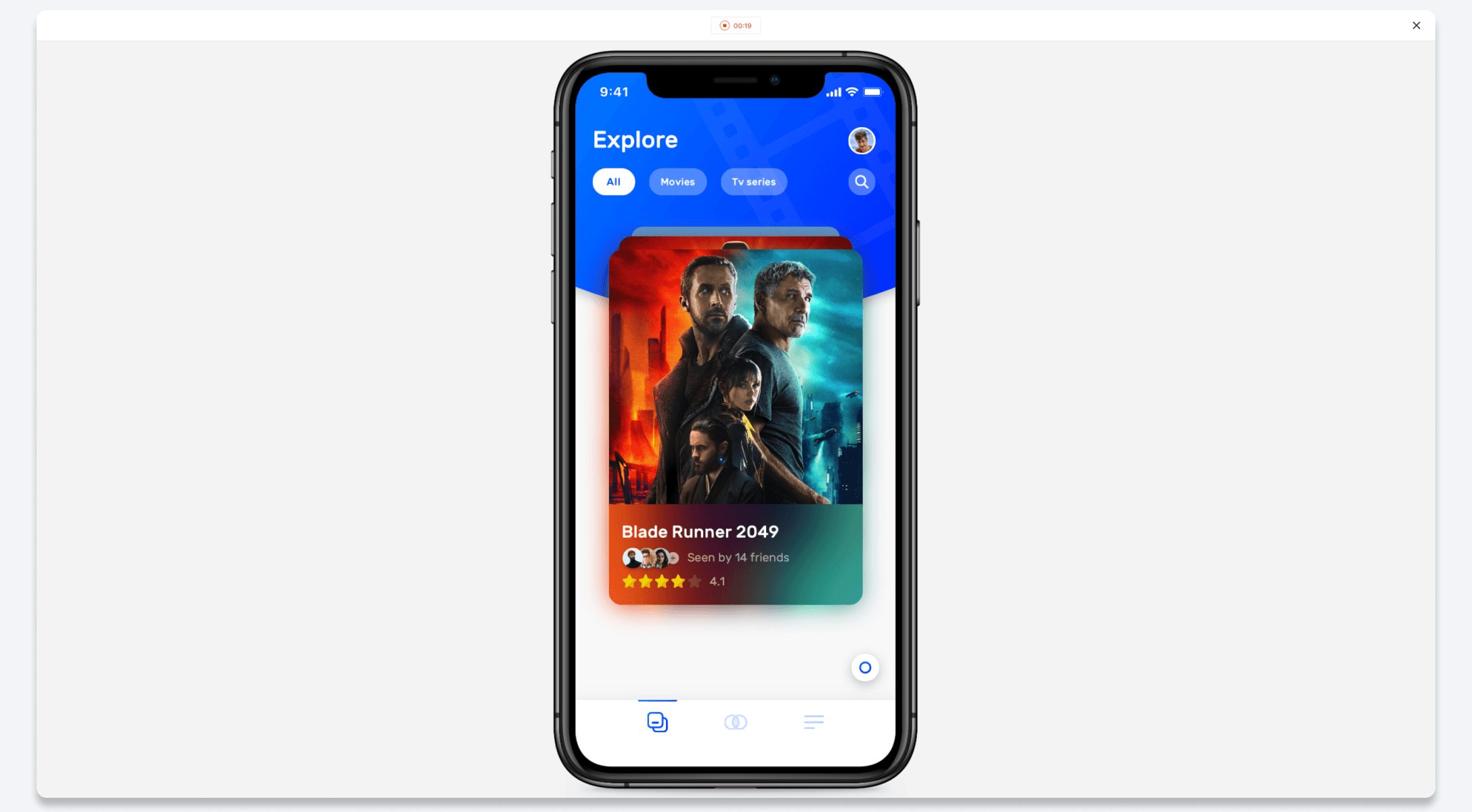
  3. Interact with the prototype to demonstrate the desired interactions.

  4. To finish recording and save the interaction, click the Stop button at the top of the page.

  5. Copy the link for the interaction recording and share it with your developers.

Another option is to create an Interaction Recording straight from the prototype's cloud page. Simply click the Handoff button in the toolbar and follow the steps mentioned above.

{'_type': 'localeString', 'en': 'Interaction Recordings', 'ja': 'Interaction Recipes Recording', 'ko': 'Interaction Recipes Recording', 'zh': 'Interaction Recipes Recording'}