Variables
As mentioned earlier, as of version 3.9, ProtoPie supports variables. These variables can hold text, number or color values. The value of a variable can be modified using the Assign response, while the Detect trigger would be activated based on any changes that a layer or variable undergoes. You can use variables instead of using fixed values for responses, e.g. Move, Scale, Rotate and others.
[DOCSCONTENT slug="variables"]
Variable Types
Variables can be one of the three types: a number, text or color type. These variables hold different values based on their type.
[DOCSCONTENT slug="variable"]
Variable Display
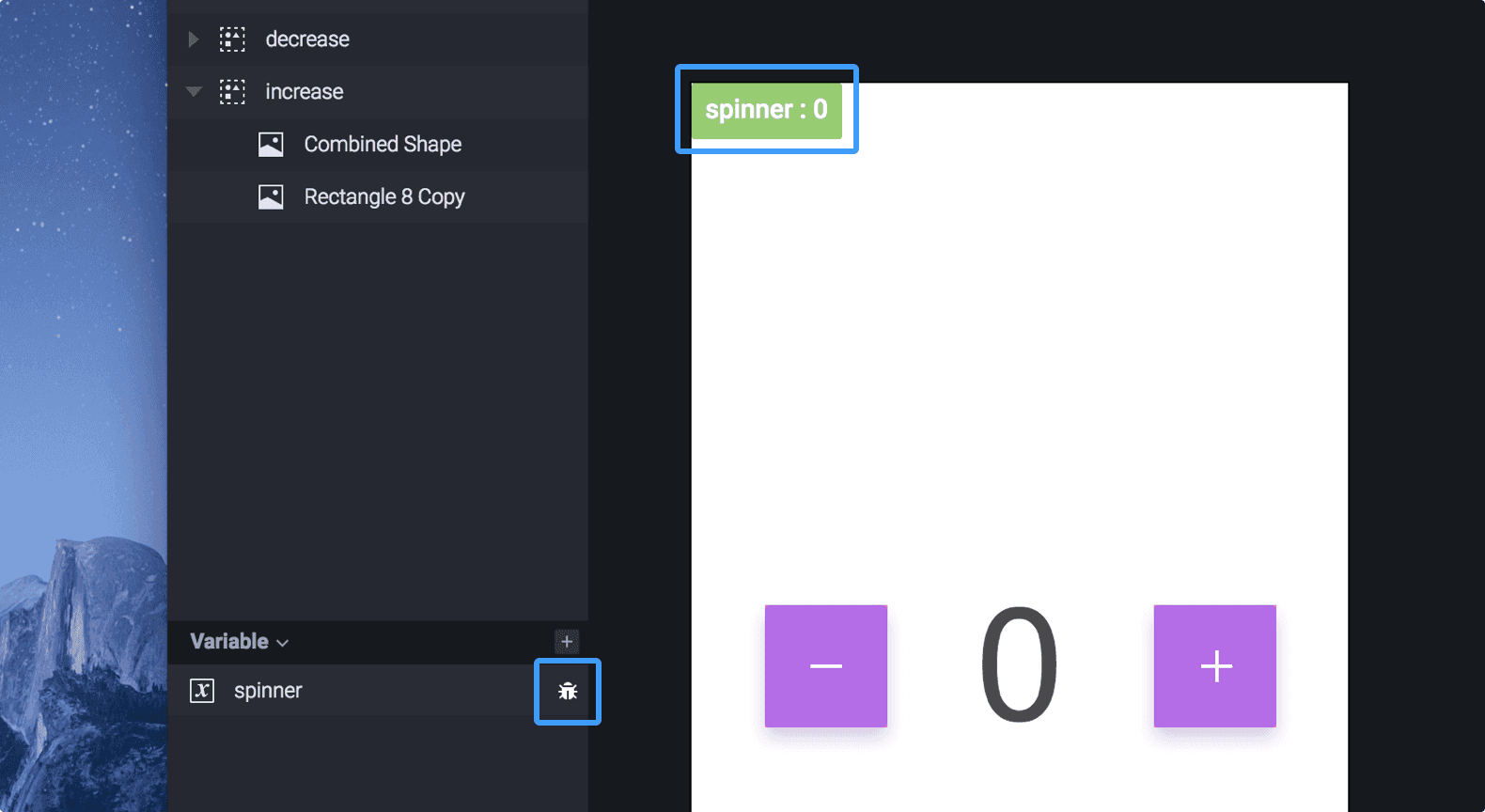
Values of variables can be displayed in the canvas and in Preview. This way, you can make sure that your variables are storing the correct values.
Predefined Variable
These are variables that have been predefined within ProtoPie.
Ready to go to the next level? Get comfortable using variables and ride on working on more advanced prototypes with the ProtoPie Masterclass. Join now and learn how to create dynamic interactions with variables, including text, number, color, and predefined variables.
With the ProtoPie Masterclass, you'll be able to improve your skills and create more advanced prototypes in no time!