✈️ Building an aviation cockpit prototype. Register now.

✈️ Building an aviation prototype. Register.

INDUSTRIES

Automotive

Aviation

Finance

Gaming

MedTech

IoT

Digital Products

USE CASES

For Enterprise

For Individuals

For Teams

For education

KEY FEATURES

Hardware & System Integration

Beta

ProtoPie MCP

Multi-Device Prototyping

Interaction Logic

Developer Handoff

ProtoPie AI

New

User Testing

PLUGINS

Figma

Sketch

Adobe XD

INSIGHTS & INSPIRATION

Blog

eBooks

Clients Success Stories

Events & Webinars

ProtoPie Gallery

PRODUCT LEARNING & SUPPORT

ProtoPie School

Download ProtoPie

Product Documentation

Community

INDUSTRIES

Automotive

Aviation

Finance

Gaming

MedTech

IoT

Digital Products

USE CASES

For Enterprise

For Individuals

For Teams

For education

KEY FEATURES

Hardware & System Integration

Beta

ProtoPie MCP

Multi-Device Prototyping

Interaction Logic

Developer Handoff

ProtoPie AI

New

User Testing

PLUGINS

Figma

Sketch

Adobe XD

INSIGHTS & INSPIRATION

Blog

eBooks

Clients Success Stories

Events & Webinars

ProtoPie Gallery

PRODUCT LEARNING & SUPPORT

ProtoPie School

Download ProtoPie

Product Documentation

Community

Menu

ProtoPie MCP

⚠️ Beta Notice

ProtoPie MCP is in beta — tools and package names may change. Availability varies by feature. Some capabilities are free during the public beta, while others are advanced features that require an eligible plan and/or permissions.

What is ProtoPie MCP?

ProtoPie MCP connects your ProtoPie work to AI agents via the Model Context Protocol — an open standard for connecting AI assistants to external tools and data sources.

There are two ProtoPie MCP servers, built for two different jobs:

Server

What it does

Where it runs

Studio MCP

Connects ProtoPie Studio to an AI agent so it can read and control the prototype you have open — analyze interactions, add triggers and responses, and capture the current screen, straight from a chat prompt.

Locally, as part of ProtoPie Studio. The AI runs in the connected MCP client.

Code MCP

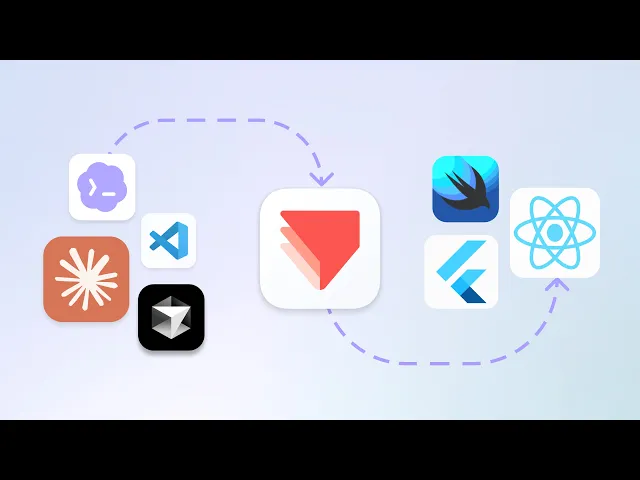
Brings your finished prototypes into AI coding agents so they can rebuild them in code — scenes, layers, components, variables, and the trigger–response interactions that make them move.

Locally on your machine, via npx. Read-only.

The two servers install differently and do different things, but they share the same ProtoPie account. This page documents both. Start with Studio MCP below; Code MCP is documented in its own section.


Learn more about Studio MCP