✈️ Building an aviation cockpit prototype. Register now.

✈️ Building an aviation prototype. Register.

INDUSTRIES

Automotive

Aviation

Finance

Gaming

MedTech

IoT

Digital Products

USE CASES

For Enterprise

For Individuals

For Teams

For education

KEY FEATURES

Hardware & System Integration

Beta

ProtoPie MCP

Multi-Device Prototyping

Interaction Logic

Developer Handoff

ProtoPie AI

New

User Testing

PLUGINS

Figma

Sketch

Adobe XD

INSIGHTS & INSPIRATION

Blog

eBooks

Clients Success Stories

Events & Webinars

ProtoPie Gallery

PRODUCT LEARNING & SUPPORT

ProtoPie School

Download ProtoPie

Product Documentation

Community

INDUSTRIES

Automotive

Aviation

Finance

Gaming

MedTech

IoT

Digital Products

USE CASES

For Enterprise

For Individuals

For Teams

For education

KEY FEATURES

Hardware & System Integration

Beta

ProtoPie MCP

Multi-Device Prototyping

Interaction Logic

Developer Handoff

ProtoPie AI

New

User Testing

PLUGINS

Figma

Sketch

Adobe XD

INSIGHTS & INSPIRATION

Blog

eBooks

Clients Success Stories

Events & Webinars

ProtoPie Gallery

PRODUCT LEARNING & SUPPORT

ProtoPie School

Download ProtoPie

Product Documentation

Community

Menu

Managing Interaction Recordings

Renaming Interaction Recordings

To rename your interaction recordings, simply follow these steps:

  1. Navigate to the Recordings list.

  2. Hover over the recording you wish to rename.

  3. Click on the pencil icon that appears.

  4. Enter a new name for the recording using up to 30 characters.
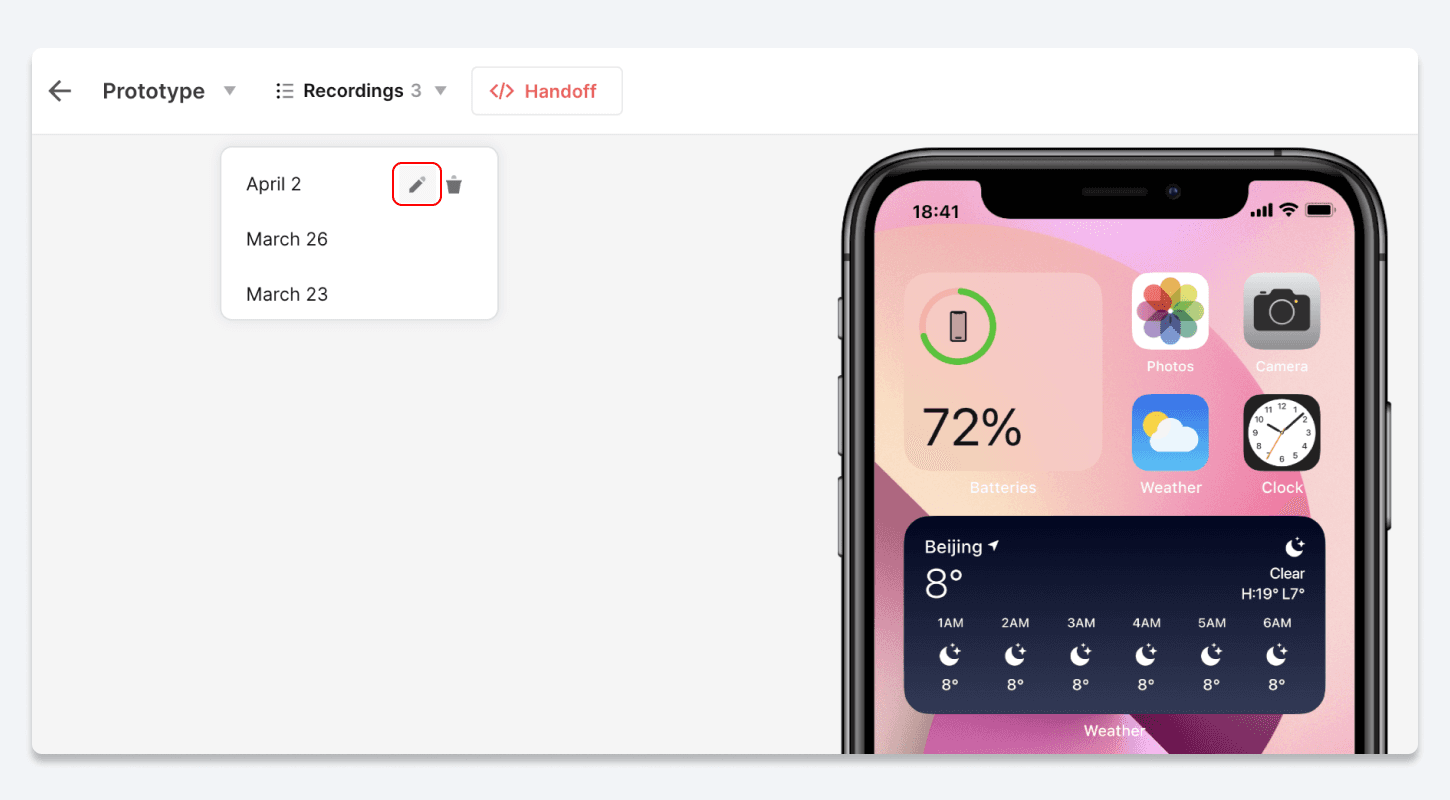

{'_type': 'localeString', 'en': '7 recording rename', 'ja': '7 recipe rename', 'ko': '7 recipe rename', 'zh': '7 recipe rename'}

Deleting Interaction Recordings

To permanently delete an interaction recording, simply follow these steps:

  1. Navigate to the Recordings list.

  2. Hover over the recording you wish to delete.

  3. Click on the trash icon that appears.
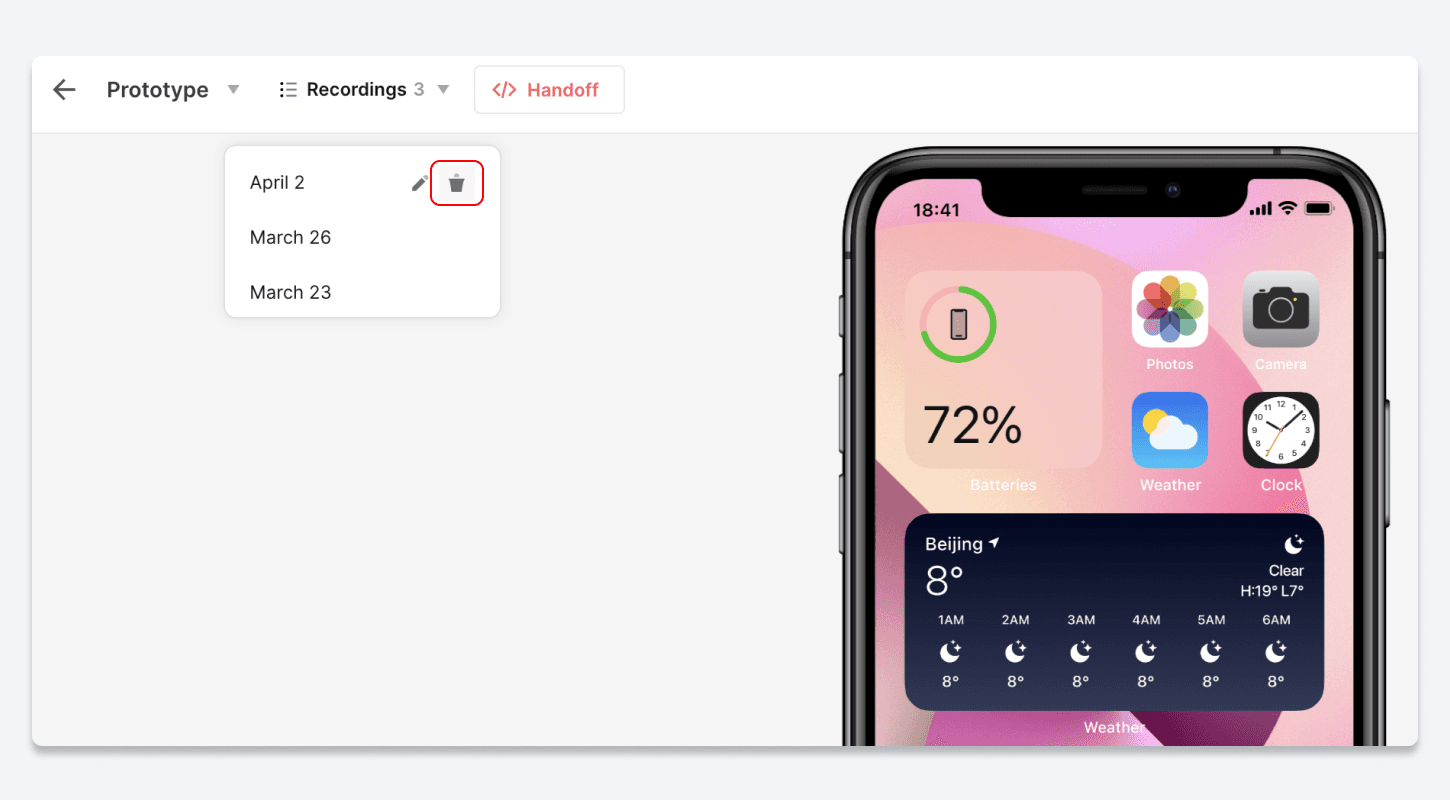

{'_type': 'localeString', 'en': '8 recording delete', 'ja': '8 recipe delete', 'ko': '8 recipe delete', 'zh': '8 recipe delete'}