INSIGHTS & INSPIRATION
PRODUCT LEARNING & SUPPORT
INSIGHTS & INSPIRATION
PRODUCT LEARNING & SUPPORT
Triggers & Responses
Auto Layout
Interaction Libraries
Connecting Devices
ProtoPie Enterprise
Menu
Triggers & Responses
Auto Layout
Interaction Libraries
Connecting Devices
ProtoPie Enterprise
Container
Use containers to group two or more layers and apply actions to the whole group. Containers also enable scrolling and paging interactions.
Relative Coordinates
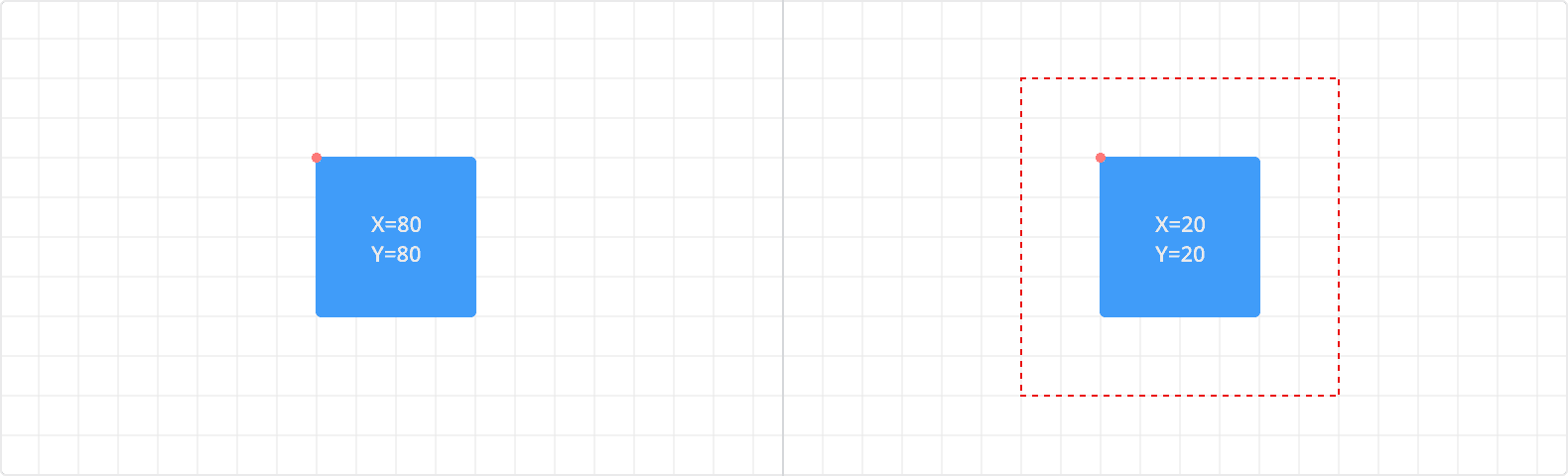
By default, a layer's x and y coordinates are calculated from its upper left corner relative to the scene. However, the coordinates of a layer inside a container are always calculated based on its upper left corner relative to the parent container.
Clip Sublayers
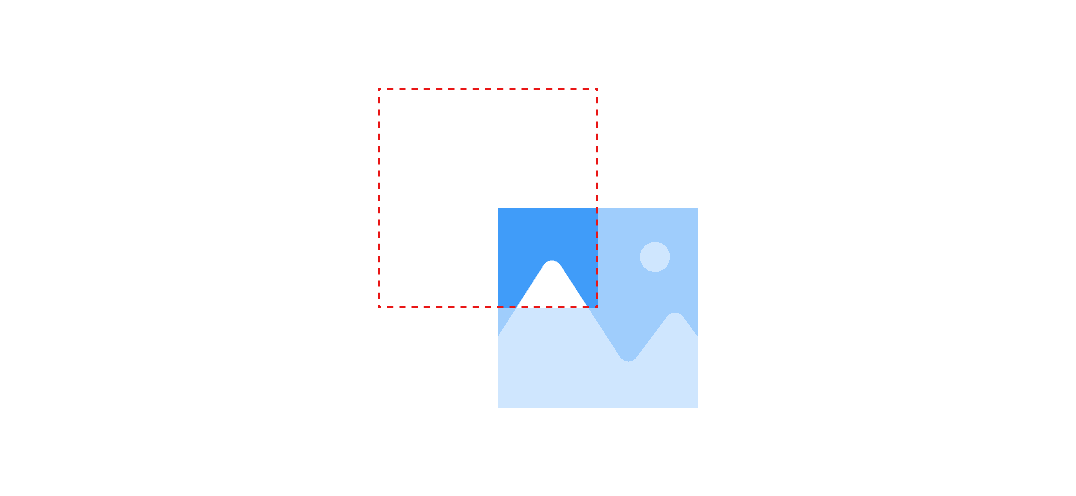
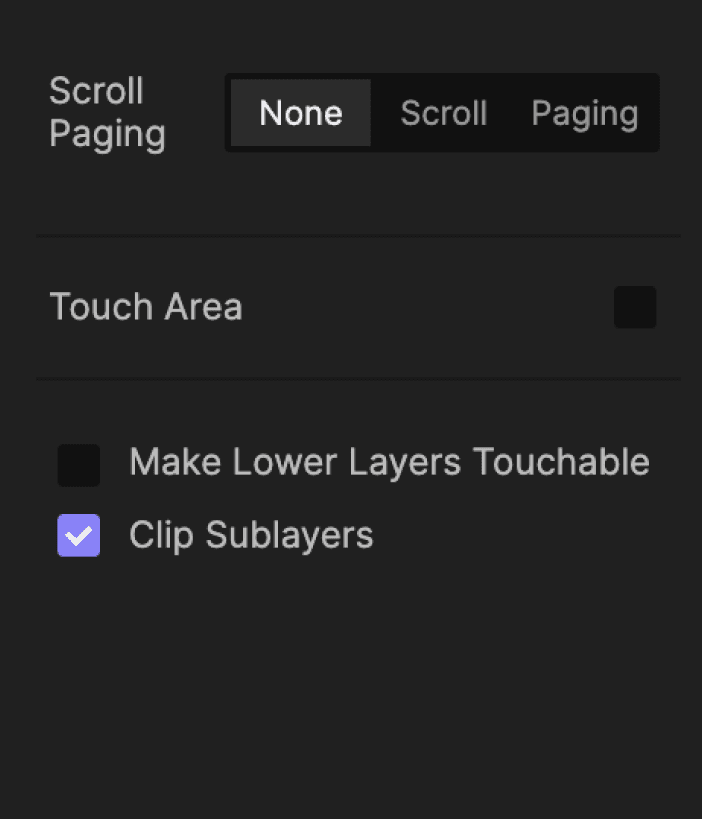
The Clip Sublayers option in the property panel allows you to hide the content outside of the top layer's bounding box.