Introduction
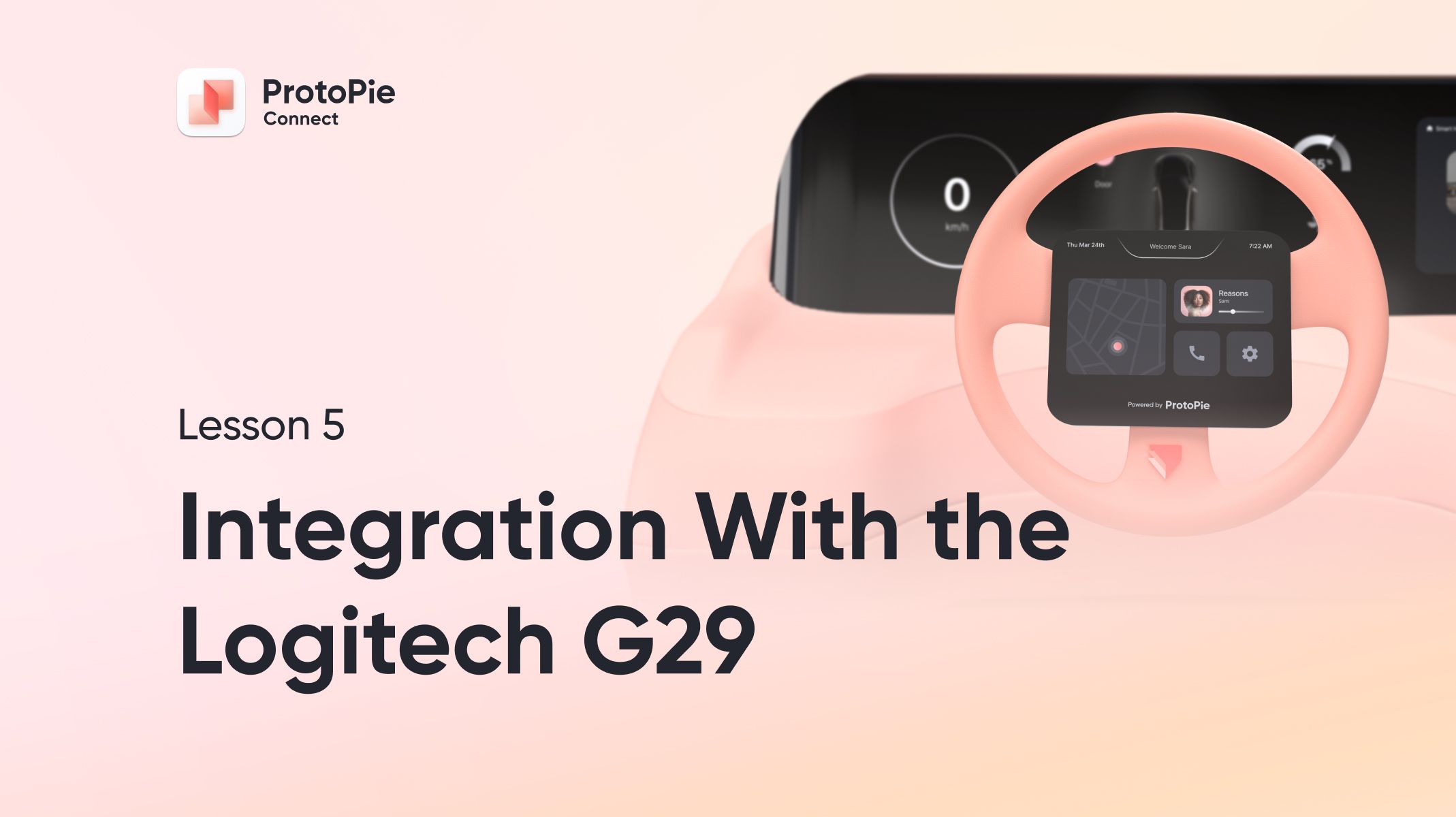
ProtoPie Connect is a popular choice in the automative industry, and for good reason. Connect makes it possible to create prototypes of in-car multi-screen dashboard experiences. Connect has a built-in plugin for Logitech’s G29 steering wheel and pedal set, making it possible to include steering wheel controls in your experience.
What you’ll learn
In this lesson, we’ll cover handling messages sent from the G29 wheel in our prototype. Furthermore, you’ll see how the G29 plugin can be used in tandem with other plugins in order to create a true multi-screen dashboard experience.
What you’ll need
This lesson makes use of Logitech’s G29 racing wheel and pedal set. In addition you’ll also need the manual shifter to fully follow along with all of the steps. Sometimes these two can be bought in a bundle, but often they are sold separately.
Here’s an Amazon link to the bundle.
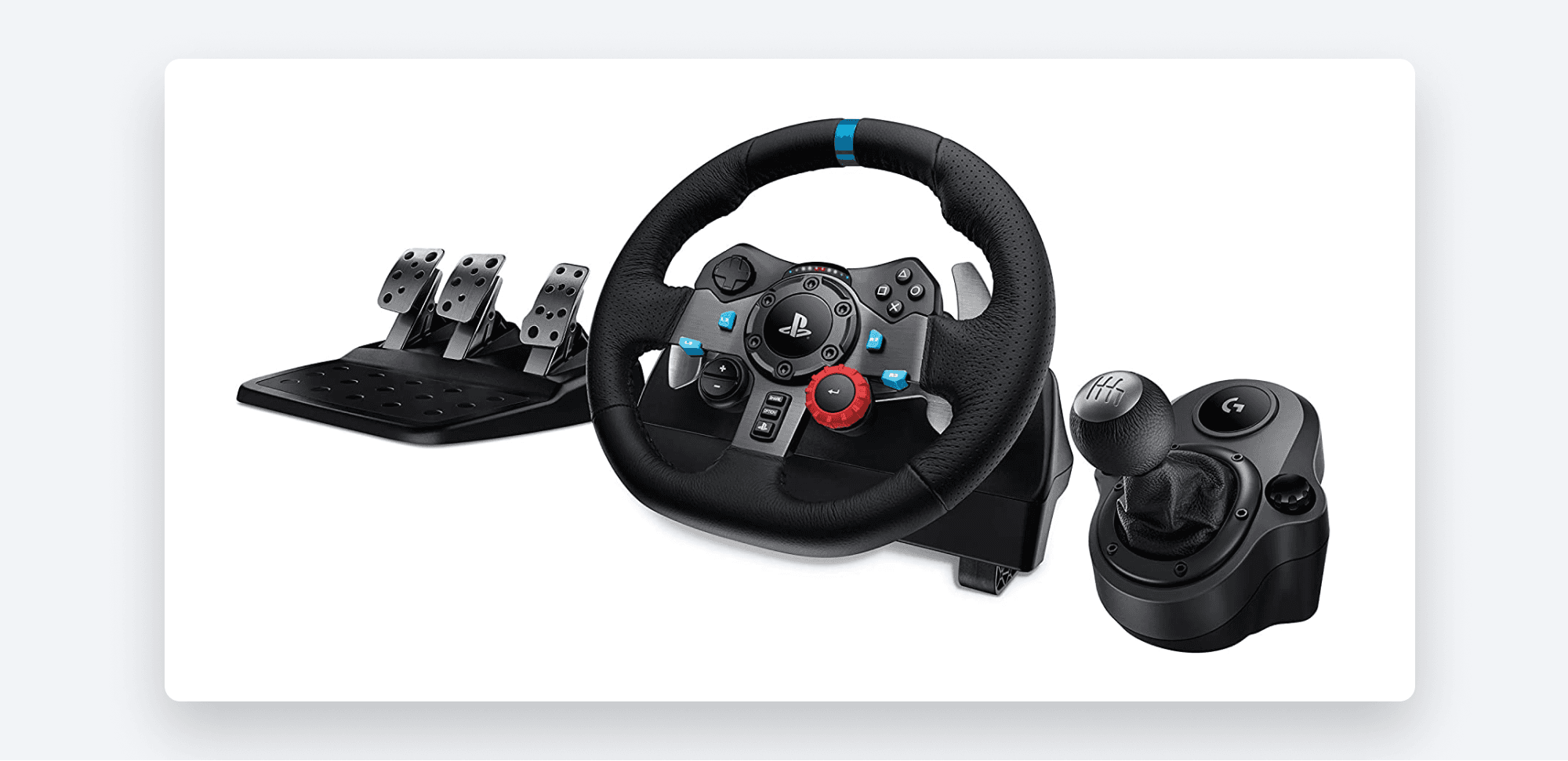
You’ll need the wheel and pedal set as well as the shifter to follow along with this lesson.
You’ll also need your Arduino handy for the last part of this demo. Make sure you’ve already gone through Intro to ProtoPie Connect 4 of 7: Arduino Part 2 - Roll Your Own Sketch Code.
Lastly, you’ll need these Pies:
{G29 Starting Pie} [Climate Control Finished Pie]
Time to complete: ≤45 minutes
Some setup notes
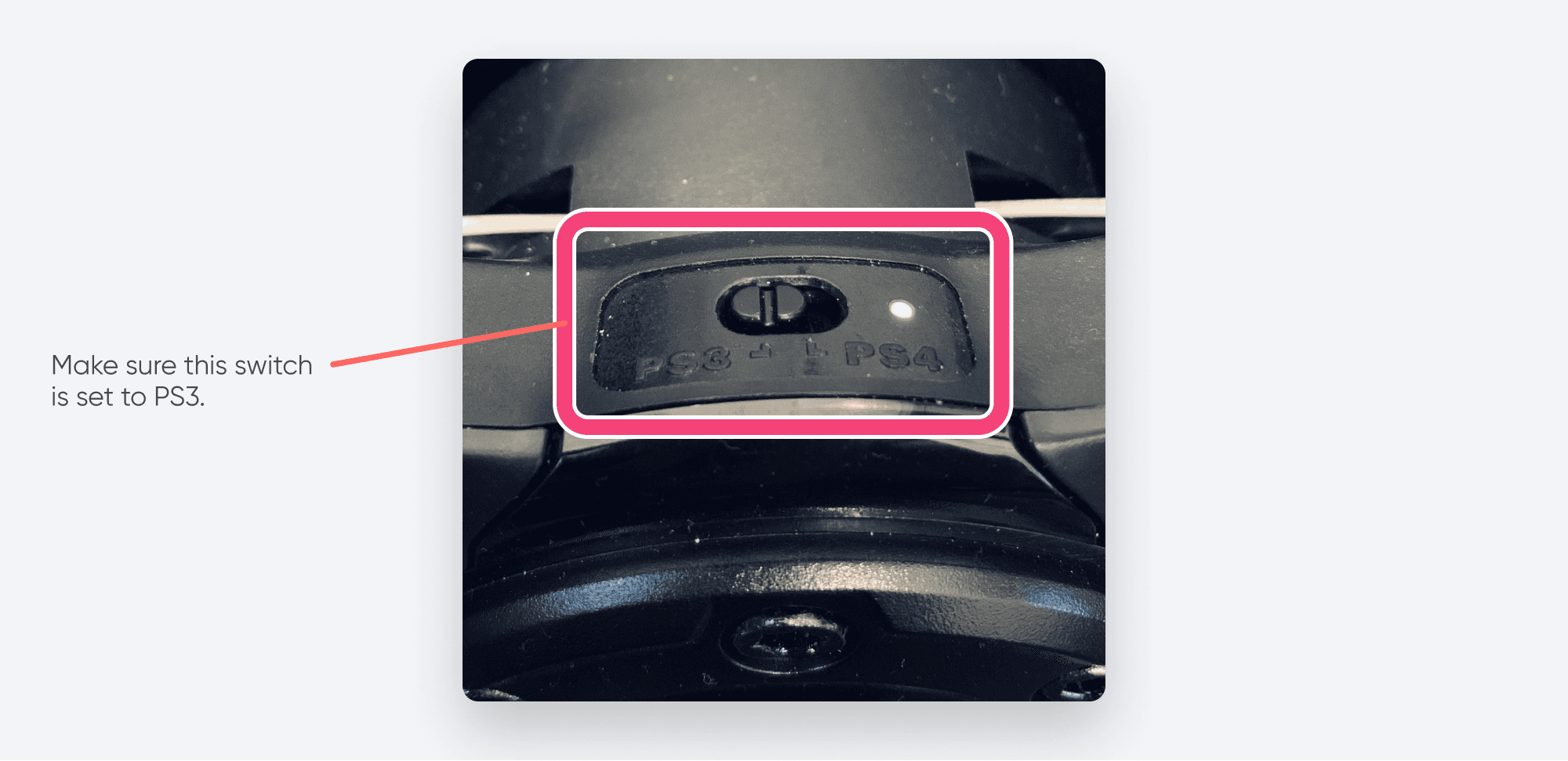
If you have the PlayStation version of the G29, it has a switch that allows you to toggle between PS3 and PS4 compatibility mode. Make sure it is switched to PS3 mode.
Let’s do this!
Once you’ve got everything you need, follow along with the video below.
Finished Pie
Here is the finished G29 Pie file:
Up next, we'll teach you how to build your own Smart Home in Intro to ProtoPie Connect 6 of 7: Writing Your First Bridge App. See you there!