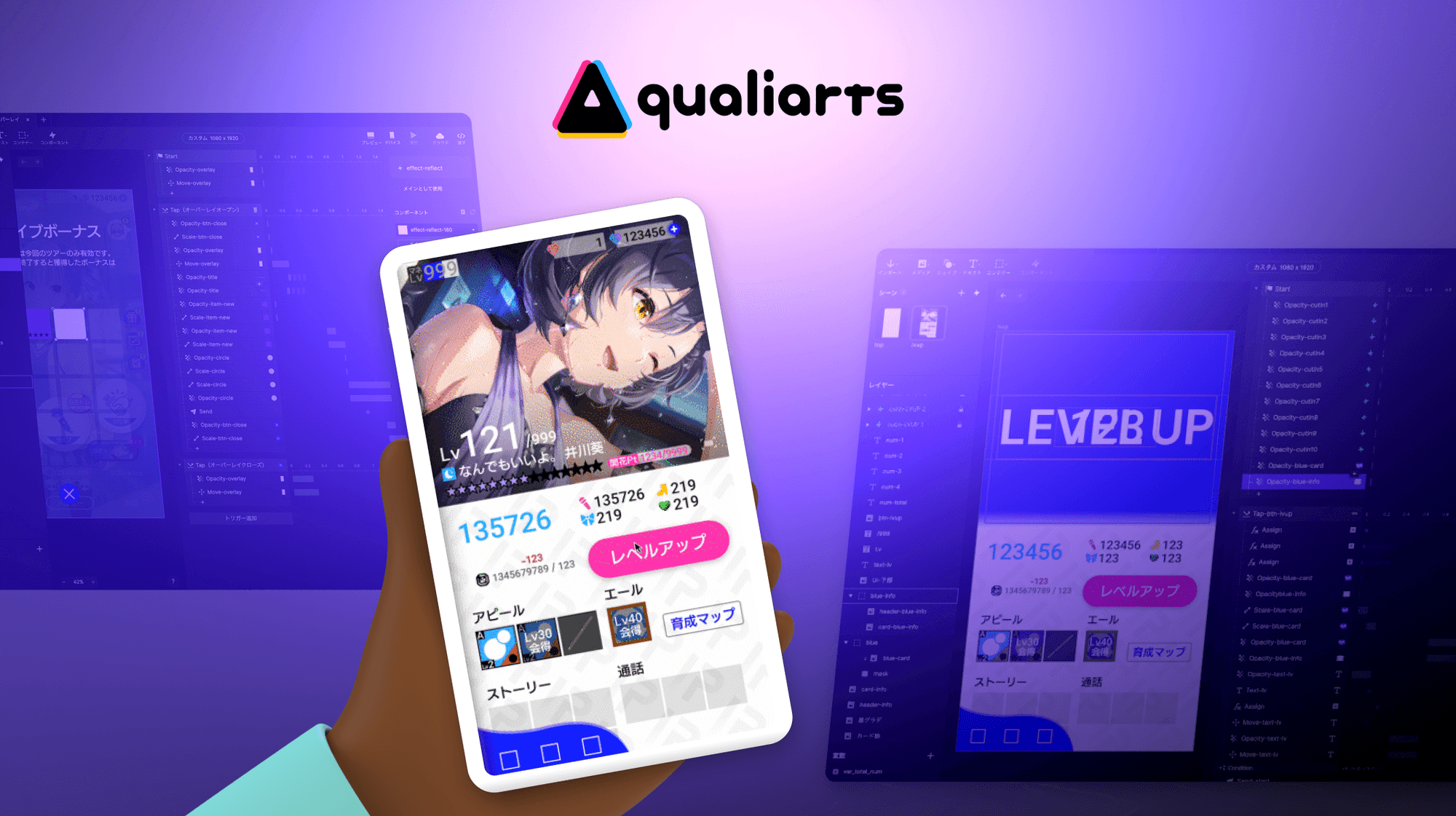
QualiArts, a smartphone game development studio under CyberAgent, has consistently redefined UI/UX standards in the Japanese mobile gaming market by delivering console-quality experiences. Their flagship title, the idol-management RPG IDOLY PRIDE, is a prime example of what happens when a studio refuses to compromise on the details of mobile game UI prototyping.
For QualiArts, great UX/UI design isn't just about how a game looks–it's about how it feels. The team obsesses over "hand-feel" (手触り tedzuri): the precise tactile feedback of every tap and swipe. A mere 0.1 second lag in character selection can break player immersion entirely.
Delivering on that standard, however, once came at a steep cost.
The Bottleneck: A Three-Day Wait for Every Tweak
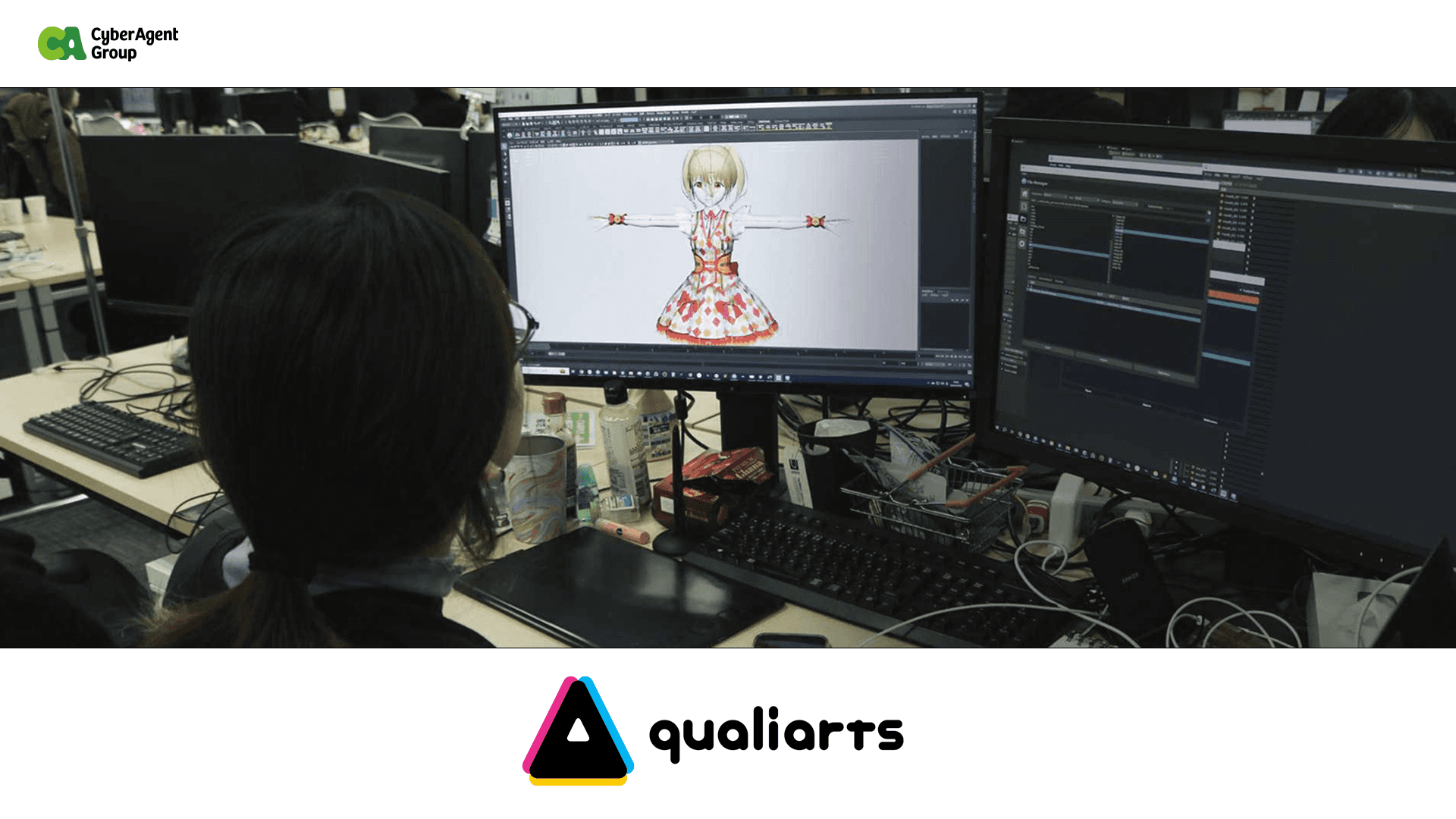
Before adopting ProtoPie, QualiArts' UI implementation workflow required a complex handoff across Figma, After Effects, and Unity. Designers would craft detailed animations in After Effects–but these remained static videos. Translating that vision into an interactive, testable state in Unity typically took engineers three full days.
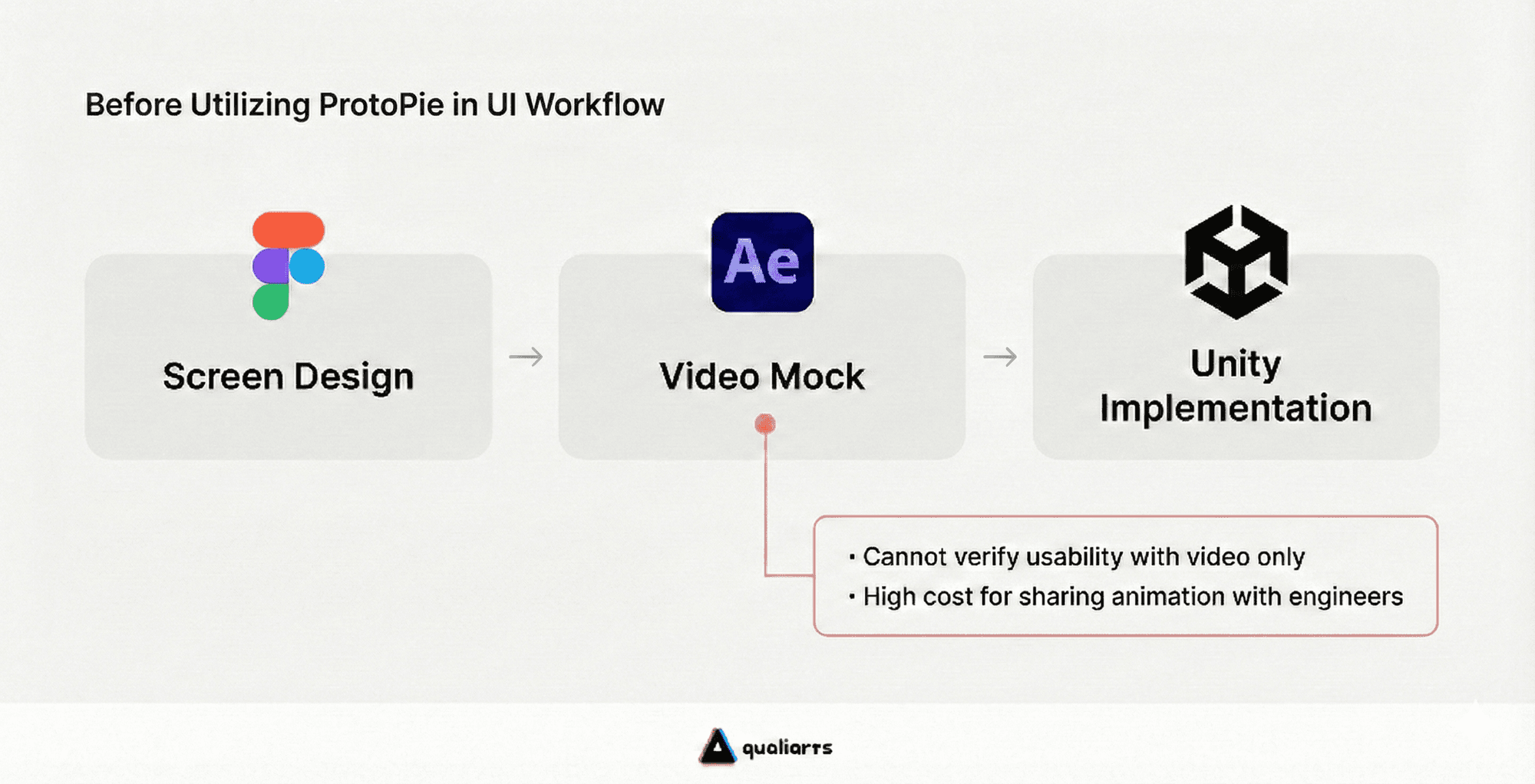
When the implementation finally arrived, it was often "close, but not perfect." Subtle issues–a slightly delayed button bounce, awkwardness during rapid tapping–were common. Because each correction triggered another three-day cycle, designers began self-censoring their most ambitious ideas, defaulting to "safe" rather than "innovative" solutions.
The result: a creative bottleneck driven not by lack of talent, but by the high cost of iteration.
From 3 Days to 90 Seconds: Prototyping with ProtoPie
QualiArts selected ProtoPie as their primary tool for pre-build mobile game prototype validation. The deciding factor was ProtoPie’s ability to replicate IDOLY PRIDE’s highly complex level-up sequences with such precision that they were indistinguishable from the final Unity implementation.
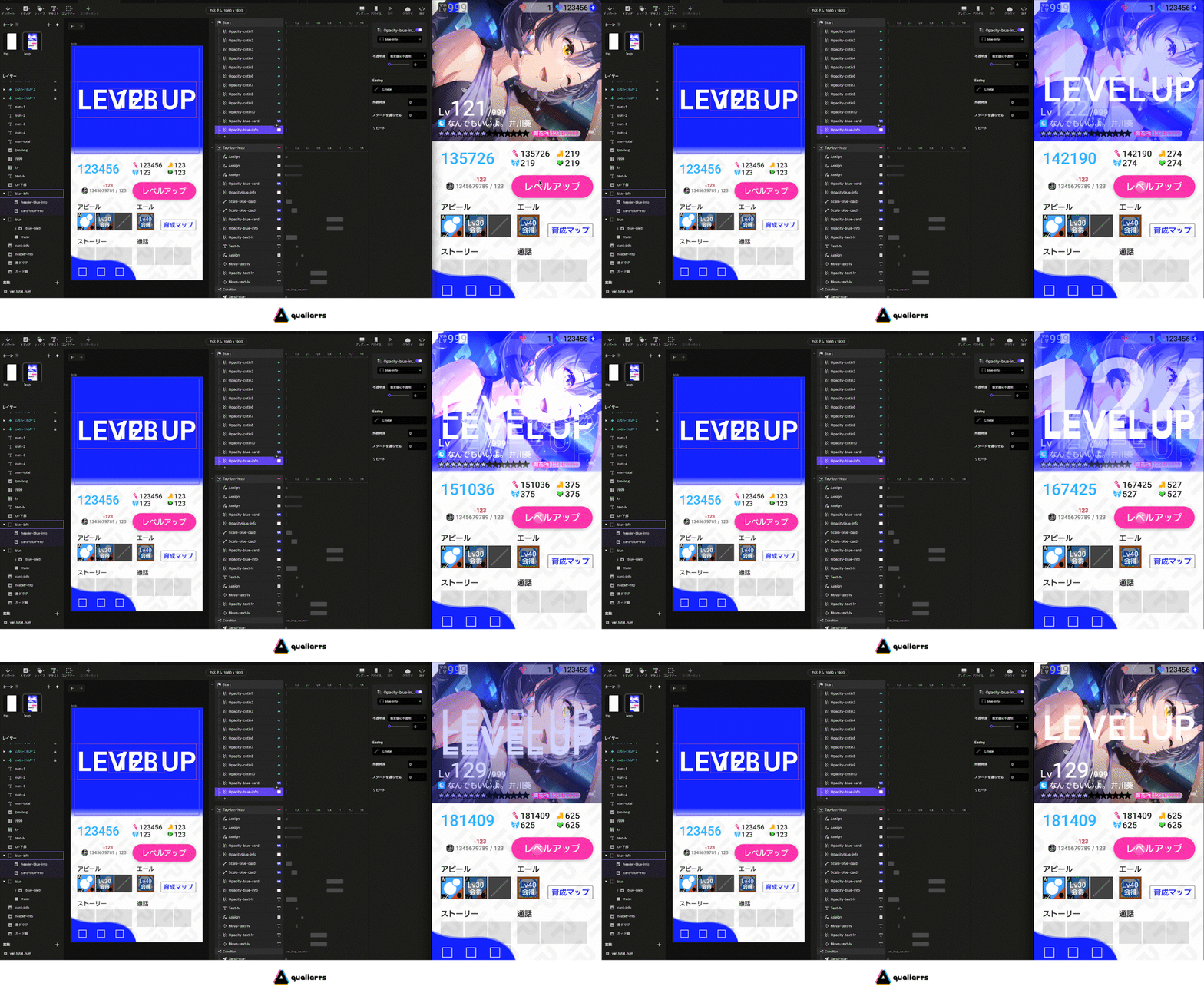
With ProtoPie, the validation cycle evolved from three days to just 90 seconds. Without writing a single line of code, designers can build advanced interactions—including synchronous displays, particle effects, and haptic feedback—and push them instantly to devices like iPhones.
The workflow is now as simple as: tap, adjust by 0.03 seconds, tap again to verify. Designers iterate until they're personally satisfied. This also allows teams to catch ergonomic issues and Android-specific performance bottlenecks during the design phase–problems that static mockups would never surface.
Ending the "Game of Telephone" Between Designers and Engineers
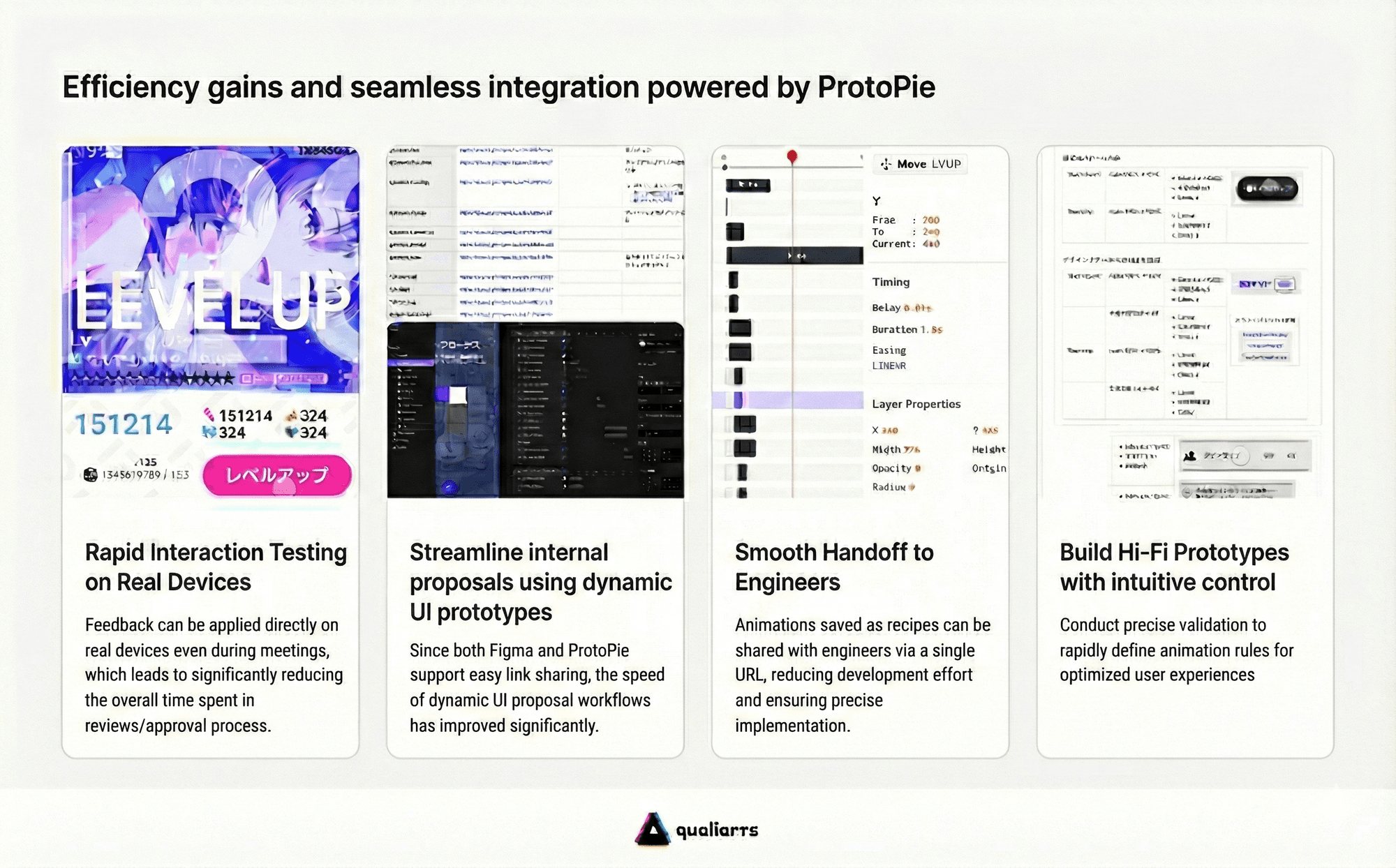
The most transformative change came at the "handoff" stage. ProtoPie’s Handoff feature automatically generates precise, implementation-ready specifications directly from the designer’s interactions:
Accurate timing: "0.18s" instead of "make it fast."
Precise easing: "Cubic-bezier functions" instead of "make it bouncy."
Explicit values: Concrete numbers for scale, opacity, and coordinate transitions.
The result is a mobile game prototyping workflow where nothing gets lost in translation.
The difference is as stark as telling someone to "paint it blue" versus handing them a specific HEX code. Engineers no longer waste time interpreting intent or chasing clarification across endless Slack threads.
By combining Figma for layouts, ProtoPie for interactions, and ProtoPie Cloud for handoffs, QualiArts achieved 99% product fidelity while reducing animation review times by 70%.
A Cultural Shift: Designing with Confidence
The impact of ProtoPie at QualiArts goes beyond workflow efficiency–it has fundamentally changed how the team approaches design.
Designers who once suppressed ideas to protect engineering bandwidth are now free to experiment and propose ambitious prototypes. In IDOLY PRIDE, where players expect a premium experience, every UI element–from parallax effects and multi-layered displays to context-sensitive micro-interactions–is now tested hundreds of times in ProtoPie before a single line of Unity code is written.
The results are so precise that upon final implementation, even the designers sometimes struggle to distinguish the ProtoPie prototype from the production environment.
ProtoPie has made the trade-off between speed and quality a thing of the past. QualiArts isn't just building prototypes–they've redefined what a mobile game prototype can achieve–and what it means to ship with confidence.

See ProtoPie in action for your team