
AI can generate UIs and write code in seconds, but turning those raw ideas into rich, interactive experiences usually breaks down when you need real context, control, and integration.
That changes today: ProtoPie MCP is now official.
This release bridges the gap between AI generation and production-ready prototyping. With support for custom ProtoPie libraries, precise element targeting via IDs, and expanded code generation for frameworks like React Native, you can now build, refine, and hand off advanced interactive prototypes faster than ever.
Want to see ProtoPie MCP in action? Join our Rapid Automotive HMI Prototyping with ProtoPie MCP webinar on October 13 at 7:00 PM EDT.
What’s new in ProtoPie MCP?
Use your own libraries
Build prototypes with the components your team already uses.
Studio MCP can now browse your enabled ProtoPie libraries and add library components as instances to your prototype. This makes it easier to create new screens while keeping your existing components and design systems in the workflow.

Target specific elements with IDs
Give your AI Agent a more precise target.
You can now copy the ID of a specific Layer, Scene, Variable, Component, Trigger, Response, or other supported element and include it in your prompt.
Instead of describing which element you want to change, simply give the AI Agent its ID.
“Change the interaction for [element ID].”
This makes AI-assisted editing more precise, especially when working with complex prototypes.

Generate code with React Native support
With the addition of React Native, Code MCP now supports more frameworks for AI-powered code generation. Code MCP officially supports:
React
React Native
Qt / QML
Flutter
SwiftUI
Compose
ArkTS

Choose the MCP package for your workflow
ProtoPie MCP is available in two packages, depending on how far you want to take AI in your product workflow.
MCP Core: Build and refine advanced prototypes with your own AI using Studio MCP. Available on the Pro plan.
MCP Enterprise: Take your prototypes into development with Studio MCP, Code MCP, and Dev View. Available on the Enterprise plan.
From AI prompt to product
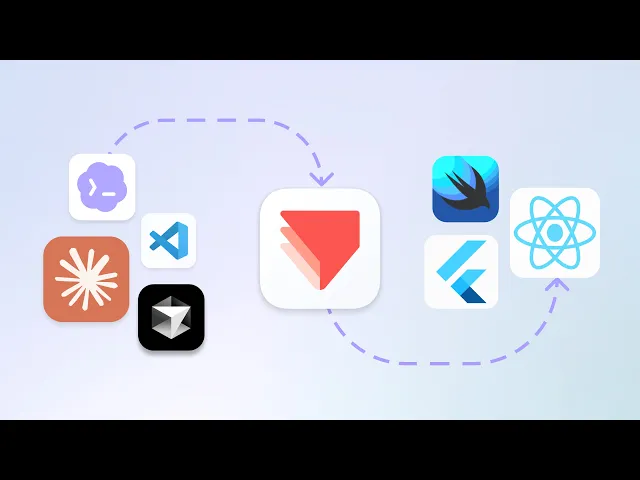
ProtoPie MCP connects AI to the full product workflow: Prompt → Prototype → Validate → Code.
Use your own AI to build and refine prototypes, test with users, validate interactions with real hardware through ProtoPie Connect, and refine before development. Code MCP and Dev View then carry that prototype context into AI-powered code generation.

Build faster with AI. Refine in ProtoPie. Move to code with greater context.