
Conditional triggers activate interactions based on specific conditions; for example, when a prototype is run, a certain string of text is received or a layer is moved to a specific location. In ProtoPie, conditions activate responses based on the following requirements: chain, range, start, and detect. This Ask ProtoPie session focuses on how to use conditions to create logic-empowered animations in ProtoPie.
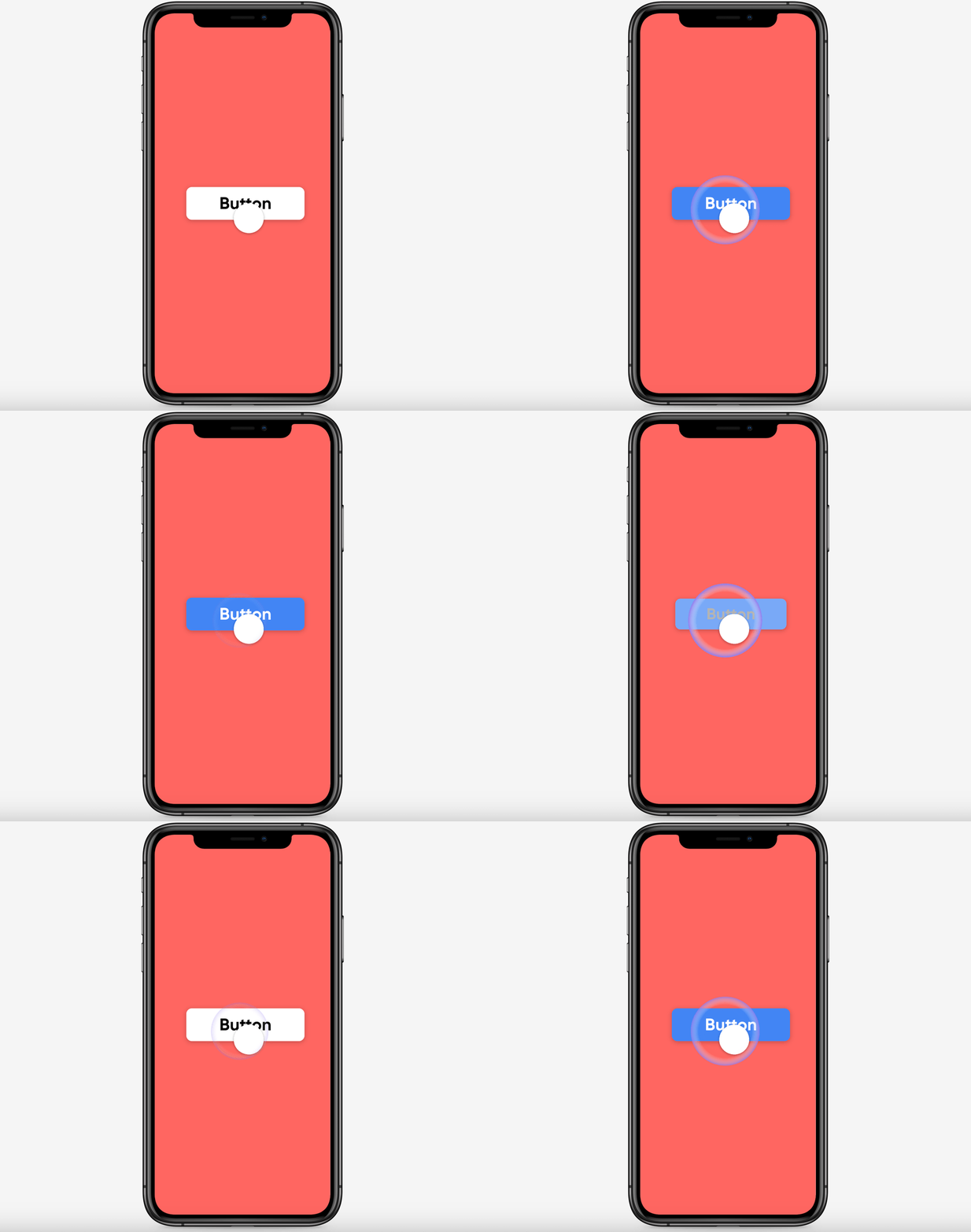
Toggle button using an if/then conditional statement.
What you’ll learn
What is a ‘Condition’ in ProtoPie?
Demo 1: How to animate Toggle Button States with Conditions in ProtoPie
Demo 2: How to animate a Field Validation with Conditions in ProtoPie
Demo 3: How to pause and resume Videos with Variables and Conditions in ProtoPie
Starting Pie FileCompleted Pie File
Learn more
ProtoPie School: ProtoPie’s free learning content designed to help you build your prototyping expertise. Enroll for free.
ProtoPie Gallery: Share what you made in ProtoPie.
Conditions - Getting started.